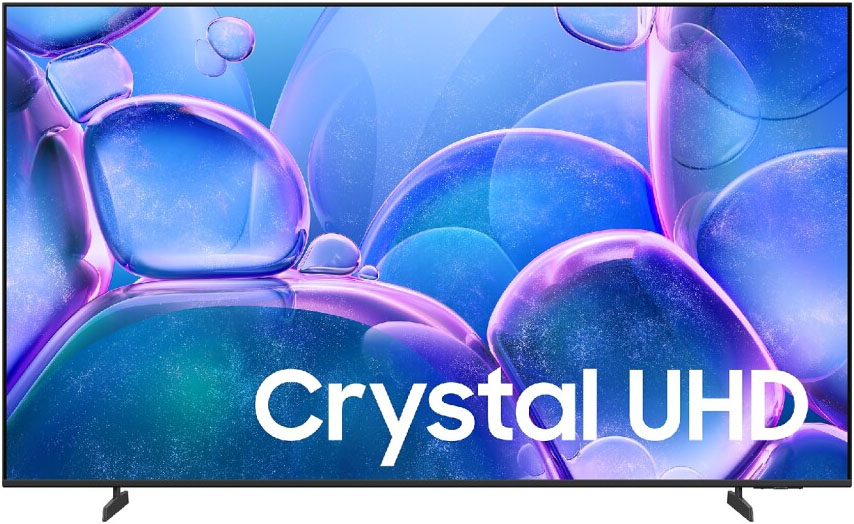
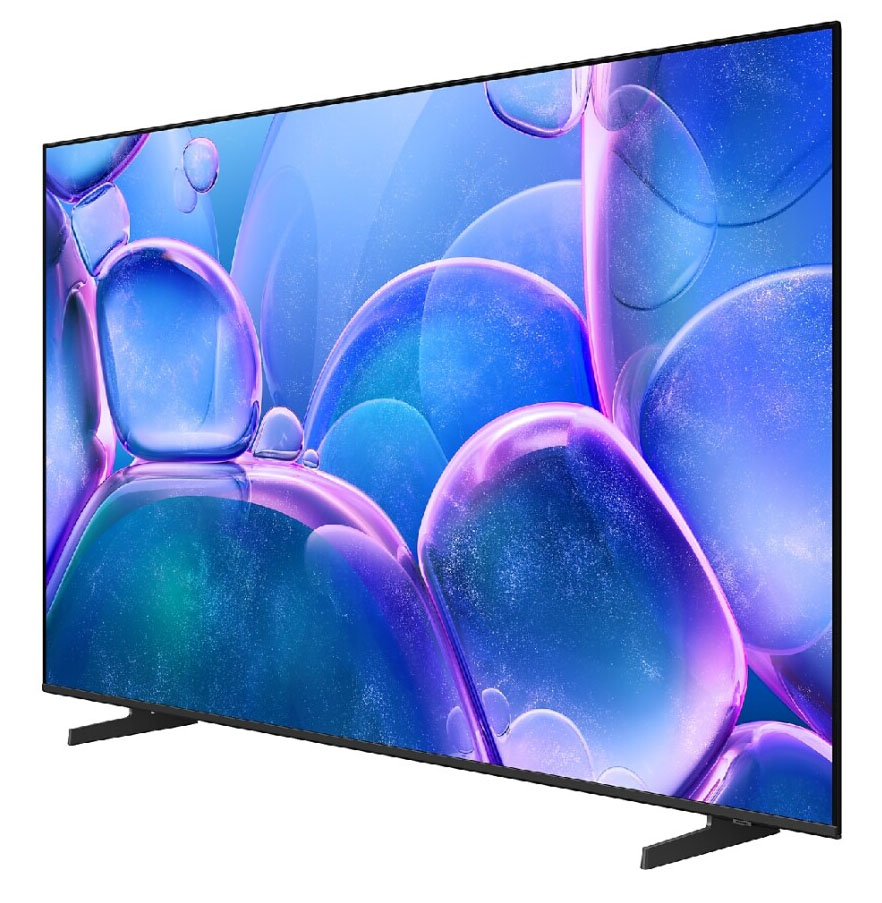
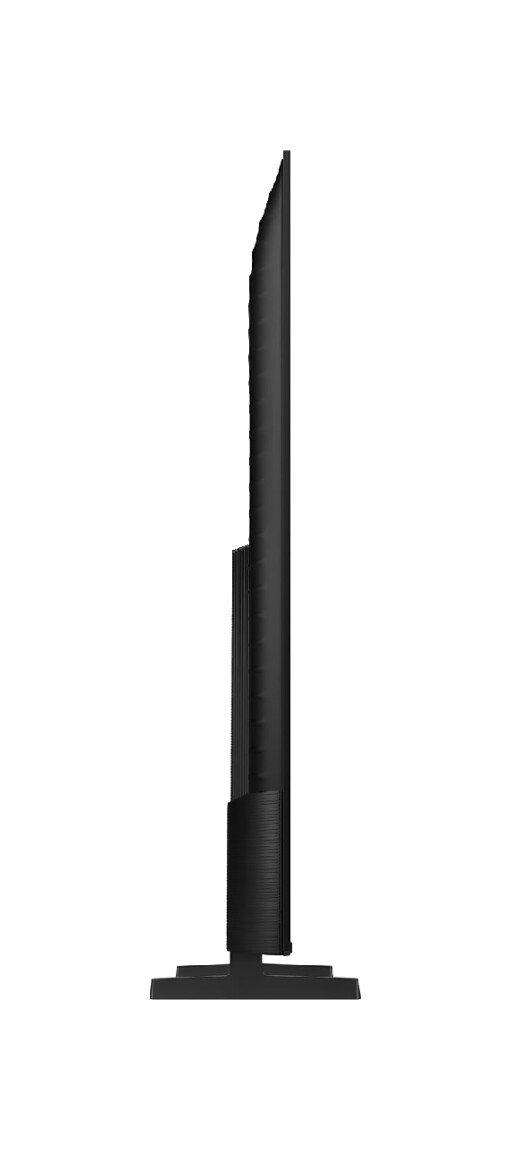
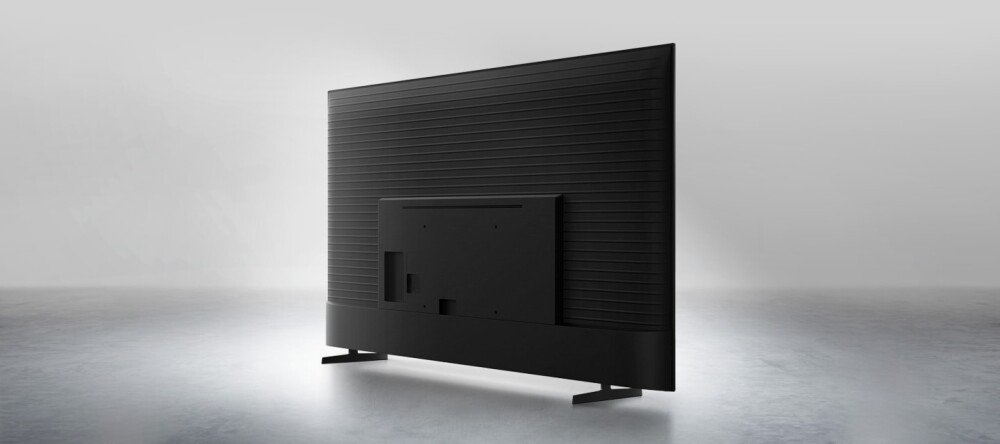



 Compare
One UI Tizen
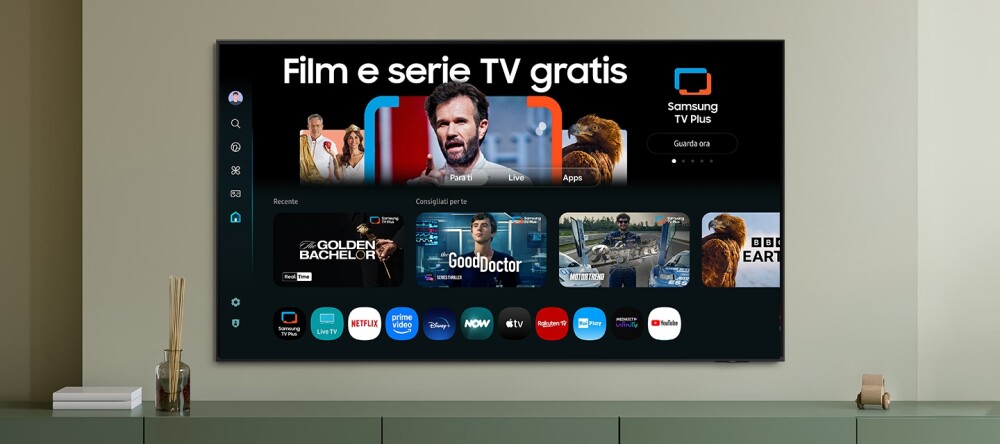
One UI Tizen delivers premium performance every time for Samsung devices. Our Samsung Tizen operating system lets you enjoy Samsung’s latest and greatest features, with instant access to your favorite content, AI to make your life easier, and Samsung Knox Security to keep you safe. Plus, One UI Tizen will support Tizen OS updates for the next seven years, so you’ll always have the latest apps and services.
A world of free content
Access free channels, including premium Samsung TV Plus channels. You’ll have access to news, sports, movies, entertainment, music, kids’ programming and much more. New content is added every day, so there’s always something to discover.
Click to Search
Click to Search enriches your viewing experience by instantly giving you content recommendations and more details about what you’re watching. You can find out information about an actor, from their biography to their filmography, and much more.
* This feature is only available in certain regions and for certain models.* This feature will be available on terrestrial TV, cable TV and Samsung TV Plus.* Actor details are provided based on metadata associated with the content you are watching. The information may not always be complete or correct, so double-checking the actor details is recommended.
Samsung Knox Security
Your privacy is safe with Samsung TVs. Sensitive data like passwords are protected, connected IoT devices are monitored, and malicious apps and websites are automatically blocked. Plus, Samsung’s security team constantly updates its systems to ensure your TV is protected.
Gaming Hub
The TV has a centralized hub where you can access all the games available across different apps, consoles and cloud platforms. It will also suggest other content based on your preferences, making it easy to find new games to love.
* Available games and content may vary by country and model and are subject to change without notice.* Some games may require the purchase of a controller.* Internet connection and subscription may be required.* Samsung Account required.
Motion Xcelerator
The TV analyses the movement between frames, using this information to increase the smoothness of movement in subsequent frames for increasingly sharp images.
SmartThings
With a built-in smart hub, the TV can connect and control smart devices, even those that require compatibility with the Matter and HCA standards. You can also receive device notifications directly from the screen, with a 3D map that shows a complete overview of your smart home system.
* Available technology, functions and features may vary by country, service provider, network environment or product and are subject to change without notice.* Requires Wi-Fi, Bluetooth or other wireless connection and Samsung account login.* Connected devices sold separately.* Use of “Calm Technology” requires acceptance of SmartThings Privacy Policy and automatically registered device.* To use 3D map, TV and mobile device must be connected to SmartThings. For a detailed list of supported devices, visit https://partners.smartthings.com/supported-devices.* User interface is subject to change without notice.
Q-Symphony
Immersive sound and celestial harmonies. Samsung technology synchronizes the audio of the TV and the soundbar to play simultaneously, without turning off the speakers of either device.
* Check Q-Symphony compatibility in soundbar specifications.* Soundbar sold separately.* Placement and number of speakers may vary by model.
Adaptive Sound
The Adaptive Sound function uses Audio Scenic Intelligence technology to optimize the sound based on the type of content by performing real-time scene analysis.
AI Energy Mode
Easily reduce energy consumption by activating AI Energy Mode. The TV automatically adjusts brightness based on ambient lighting and user activity. It also adjusts brightness during different scenes to save even more energy.


